zlogic.run
AI 驱动的 智能终端工具 · 自然语言转命令 · 极致响应 · 为开发者而生
user@cyber:~/demo$ ./run
● REC
AI 驱动的 智能终端工具 · 自然语言转命令 · 极致响应 · 为开发者而生
what makes it powerful
毫秒级响应。
内嵌 LLM。
数据留在本机。
三端通吃。
主题、插件与 MCP 技能。
一键接入,零配置。
one line · zero config
curl -fsSL https://install.zlogic.run | sh
native app · windows · macos · linux
macOS blocked the app? Remove the quarantine flag:
macOS 拦截了应用?解除隔离即可:
xattr -dr com.apple.quarantine /Applications/zlogic.app
// or try to open once → System Settings → Privacy & Security → Open Anyway · more in the docs
// 或 先尝试打开一次 → 系统设置 → 隐私与安全性 → 仍要打开 · 文档中的更多说明
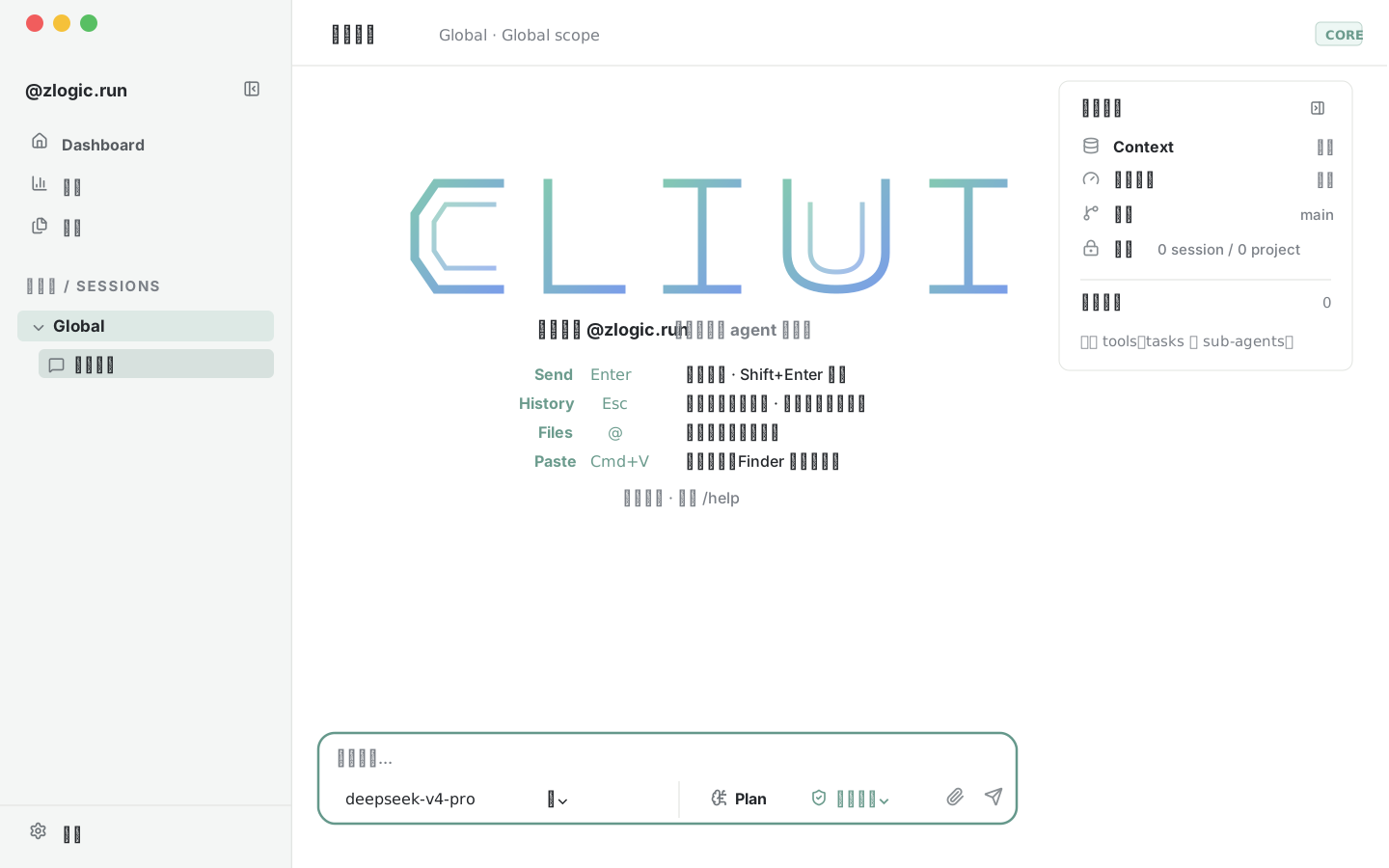
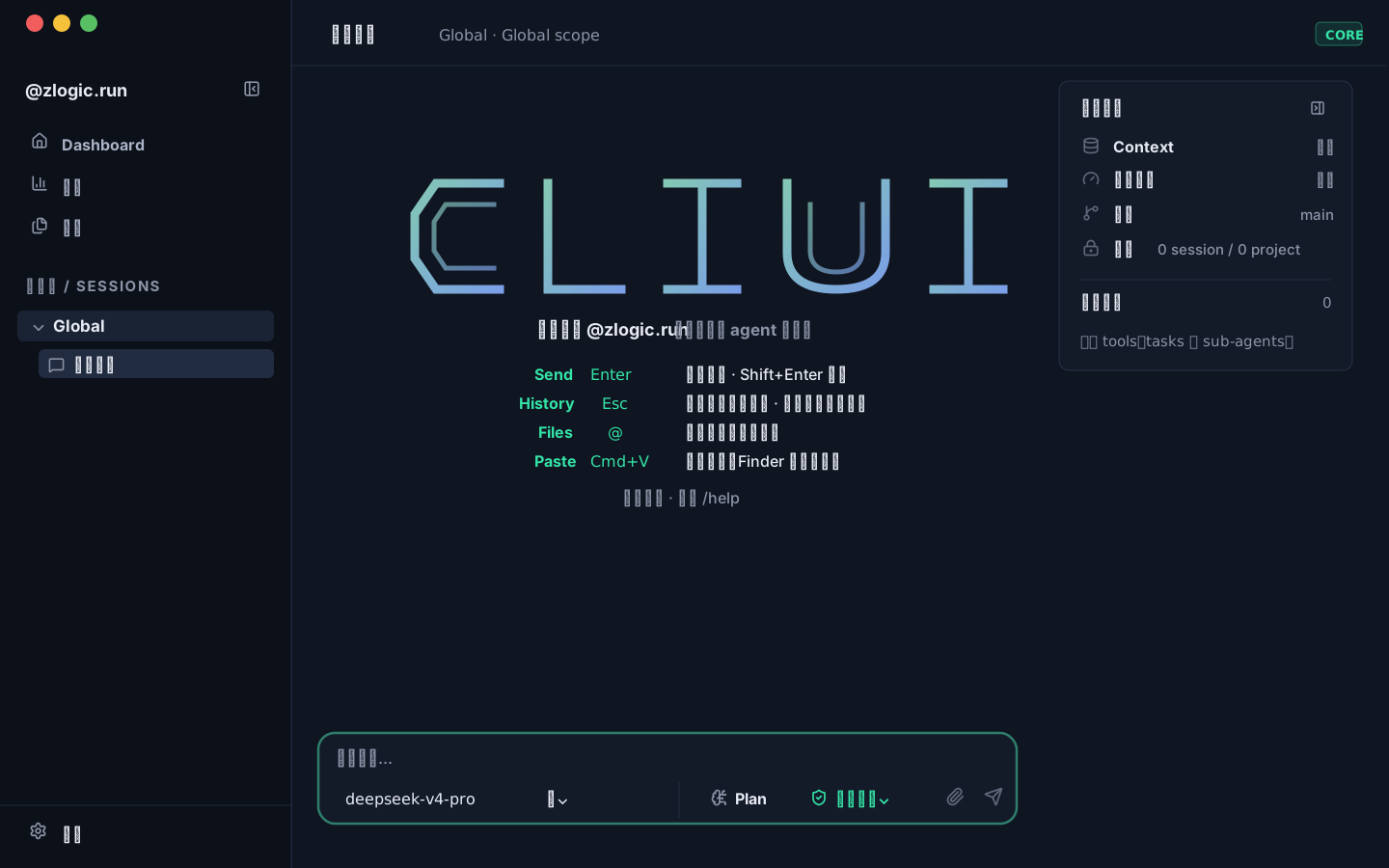
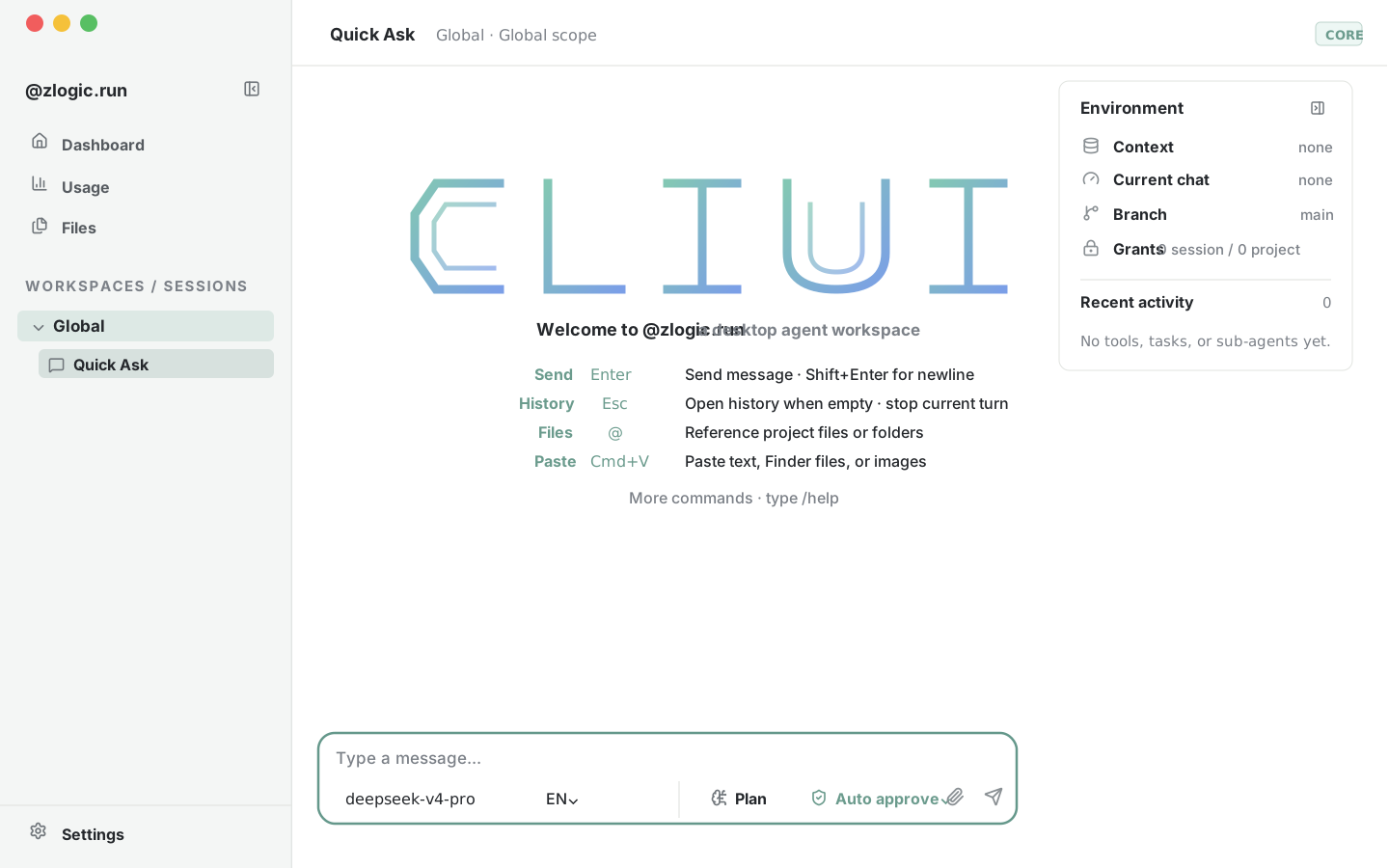
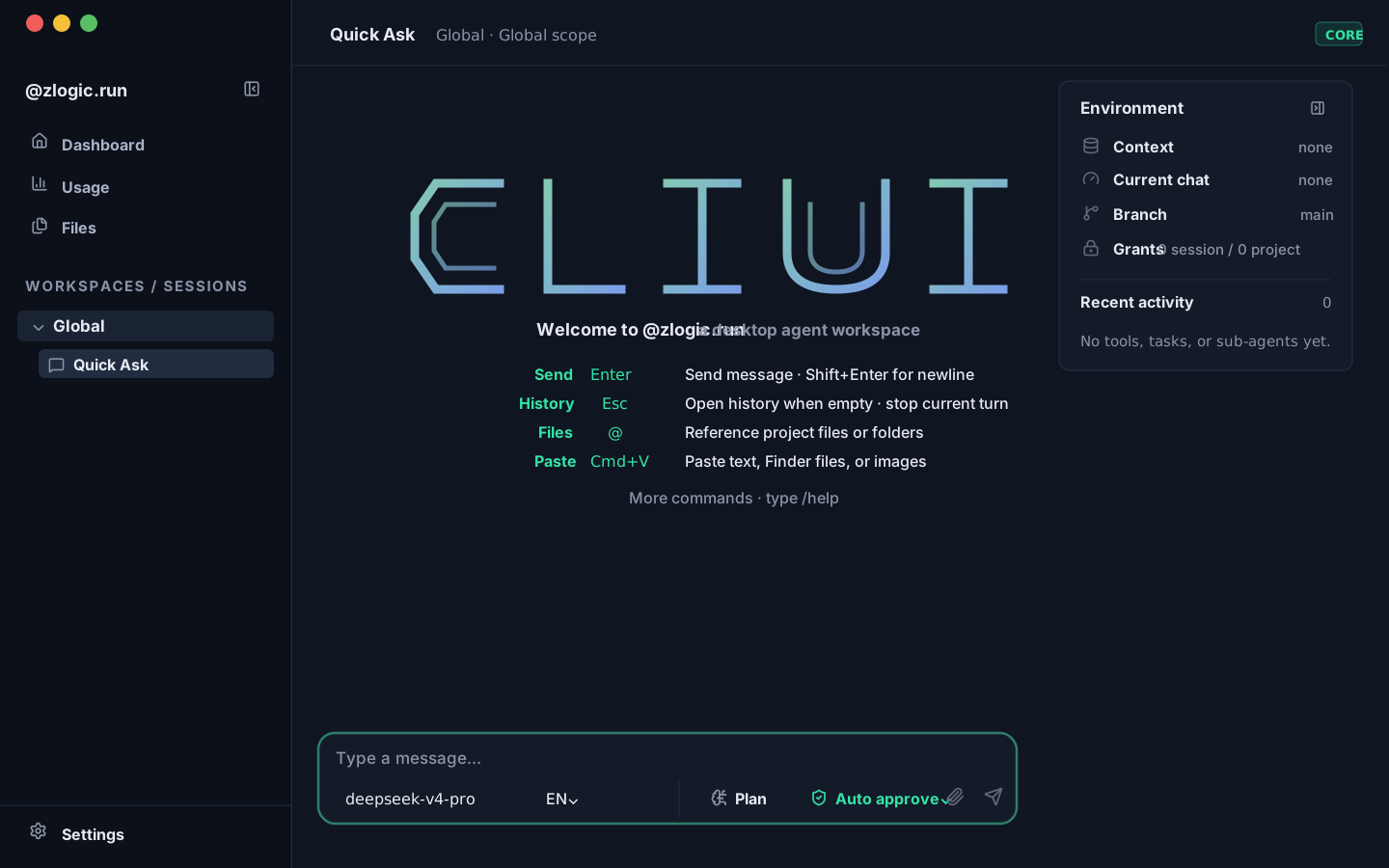
manual · install · providers · security
★
quick start · cli · desktop · providers · reasoning channel
[ STATUS: LIVE ]
选择芯片后下载。下载完成后 macOS 会拦截未签名应用 —— 若右键 → 打开无效,用下面的命令解除隔离(也可稍后查看下载卡下方的指引):
Pick your chip to download. After the download finishes, macOS blocks unsigned apps — if right-click → Open doesn't work, clear the quarantine flag below (the hint also stays under the macOS card afterwards):
$ xattr -dr com.apple.quarantine /Applications/zlogic.app
// 或 先尝试打开一次 → 系统设置 → 隐私与安全性 → 仍要打开
// or try to open once → System Settings → Privacy & Security → Open Anyway